Your Omnipod® 5 App for iPhone LMR resources, all in one place
We are excited you are participating in the Omnipod 5 App for iPhone with FreeStyle Libre 3 Plus sensor Limited Market Release (LMR). Insulet will incorporate learnings based on your feedback to deliver a best-in-class product experience. Because the program is only available to a select few, we ask that these resources remain confidential.
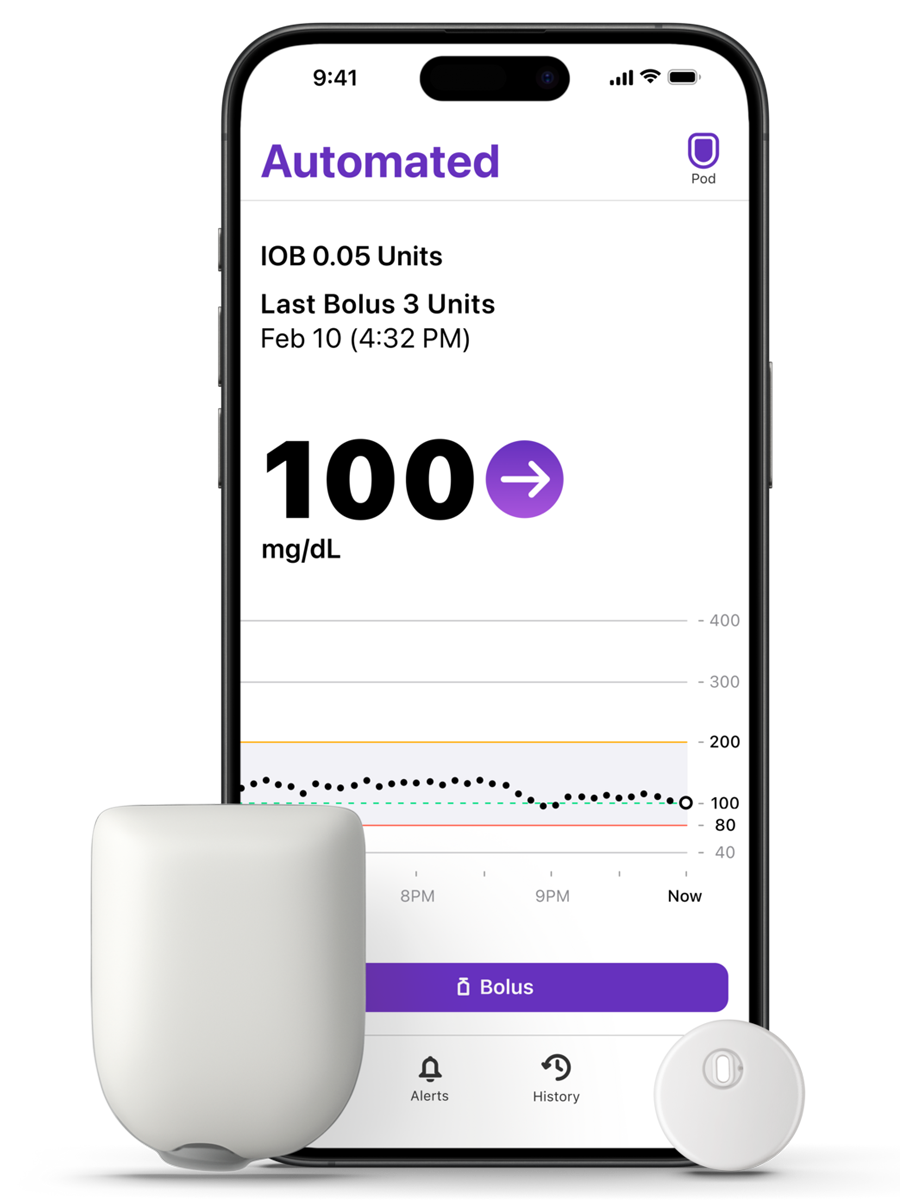
Ready to get started?
First, you will need your Omnipod ID and Password.
Eligibility Requirements
- Use Omnipod 5 and are 13 years of age or older
- Will have FreeStyle Libre 3 Plus sensors and Libre-compatible Pods at the start of the LMR
- Have a compatible iPhone running iOS 18 or later
- Agree not to use LibreLinkUp during the LMR
- Must not have Omnipod 5 coverage through Medicare, Medicaid, or another government healthcare program.
Need Help?
Our team is here to support you throughout the LMR
For technical issues with TestFlight installation or setup, please contact Omnipod Product Support at 1-800-591-3455, Option 1. Available 24/7.
For general questions about the LMR, please email [email protected]
Installing the Omnipod 5 App for iPhone
You will use TestFlight to access and download the Omnipod 5 App version for iPhone, required for the LMR.
Once you receive the email from TestFlight, open it on the iPhone you will be using for the Limited Market Release and select your personalized link. This personalized link can only be used once.
Need a new TestFlight link? Contact us at 1-800-591-3455 Option 1 and we will have a new link emailed to you.
Preparing for the LMR
Use the appropriate guide below to install and update the Omnipod 5 App for iPhone using TestFlight:
Using Omnipod 5 on an Android phone or Controller?
Already using Omnipod 5 on an iPhone?
Exiting the LMR
Use this guide to transition from the TestFlight version of the Omnipod 5 App to the version available in the Apple App Store:
Need a Sensor Prescription?
If so, use the Healthcare Provider letter below when requesting a prescription for a FreeStyle Libre 3 Plus sensor from your provider.
Transferring Your Omnipod 5 Settings
Already on Omnipod 5 and transitioning to your iPhone? Switching to a new Omnipod 5 device will require you to go through First Time Setup again.
Use this guide and video during setup to help transfer your settings:
It is important to confirm your settings with your healthcare provider.
Videos and User Guides
From System basics to the finer details, we've got you covered with a range of video tutorials and user guides designed for the Omnipod 5 App for iPhone.
Frequently Asked Questions
How will I get the Omnipod® 5 App for iPhone that works with the FreeStyle Libre 3 Plus sensor?
Why do I have to download TestFlight?
Which Pods are needed for Omnipod® 5 App for iPhone with FreeStyle Libre 3 Plus sensor integration?
Who do I call if I have a problem with my Omnipod® 5 System or Omnipod® 5 App for iPhone with FreeStyle Libre 3 Plus sensor during the Limited Market Release?
Can I continue on the Omnipod® 5 App for iPhone with FreeStyle Libre 3 Plus sensor integration after the Limited Market Release is complete?
Will I need to change my Pod when I start on the new FreeStyle Libre 3 Plus sensor?
Why can’t I use LibreLinkUp during the Omnipod 5 App for iPhone and FreeStyle Libre 3 Plus Limited Market Release?
Will I lose my insulin delivery settings and / or will my adaptivity restart?
I'm already using the Omnipod® 5 App for iPhone, will I need to download TestFlight?
How can I check which iOS software I have?
Controller / Android user: Do I need additional training to transition from the Omnipod® 5 Controller to the Omnipod® 5 App for iPhone?
Controller / Android user: Why do I have to restart adaptivity for this Limited Market Release?