Omnipod Discover™: Diabetes insights, simplified
Your diabetes data, all in one place
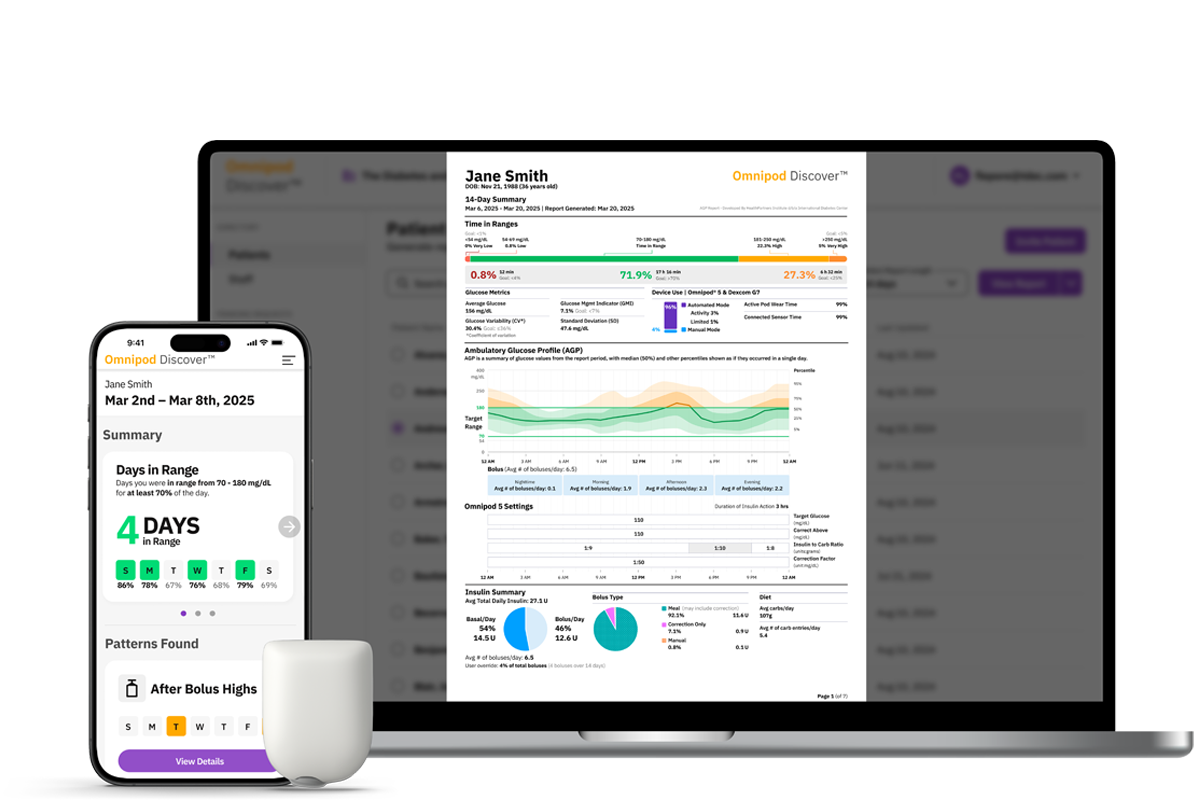
Omnipod Discover™ consolidates all of your data into simple, personalized insights so you know where to focus.1
Whether you want to quickly see how your time-in-range changes week to week or see how your bolusing and pump settings may be affecting your glucose levels, it’s all there to help provide clarity at your pace, in one place.
Once enrolled, you will receive weekly SMS insights highlighting meaningful glucose and insulin patterns, helping you better understand factors that may be influencing your glucose levels. You can also share your data with your healthcare provider, enabling more informed diabetes management discussions and decisions together.
Insights at a glance
Designed specifically for people with diabetes, Omnipod Discover is simple, intuitive, and users agreed it is easy to understand.2
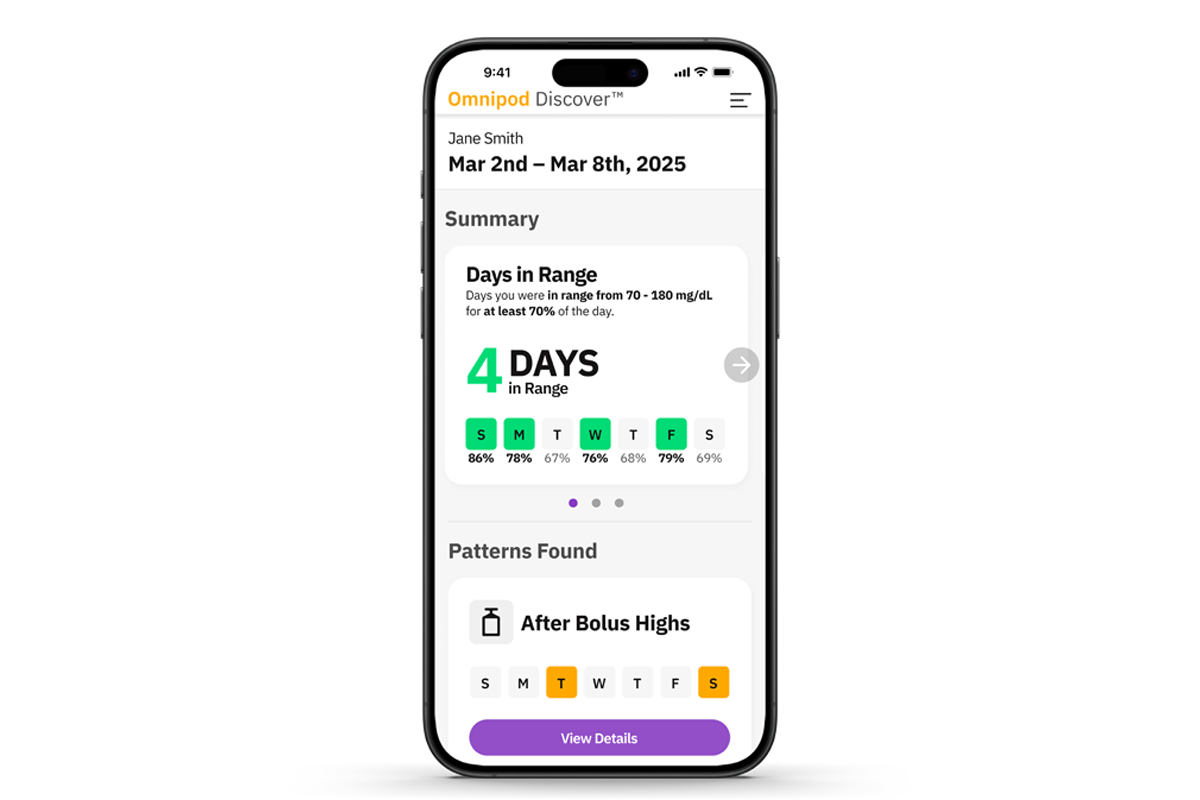
Weekly Summary
See your progress over time with daily and weekly Time in Range trends.
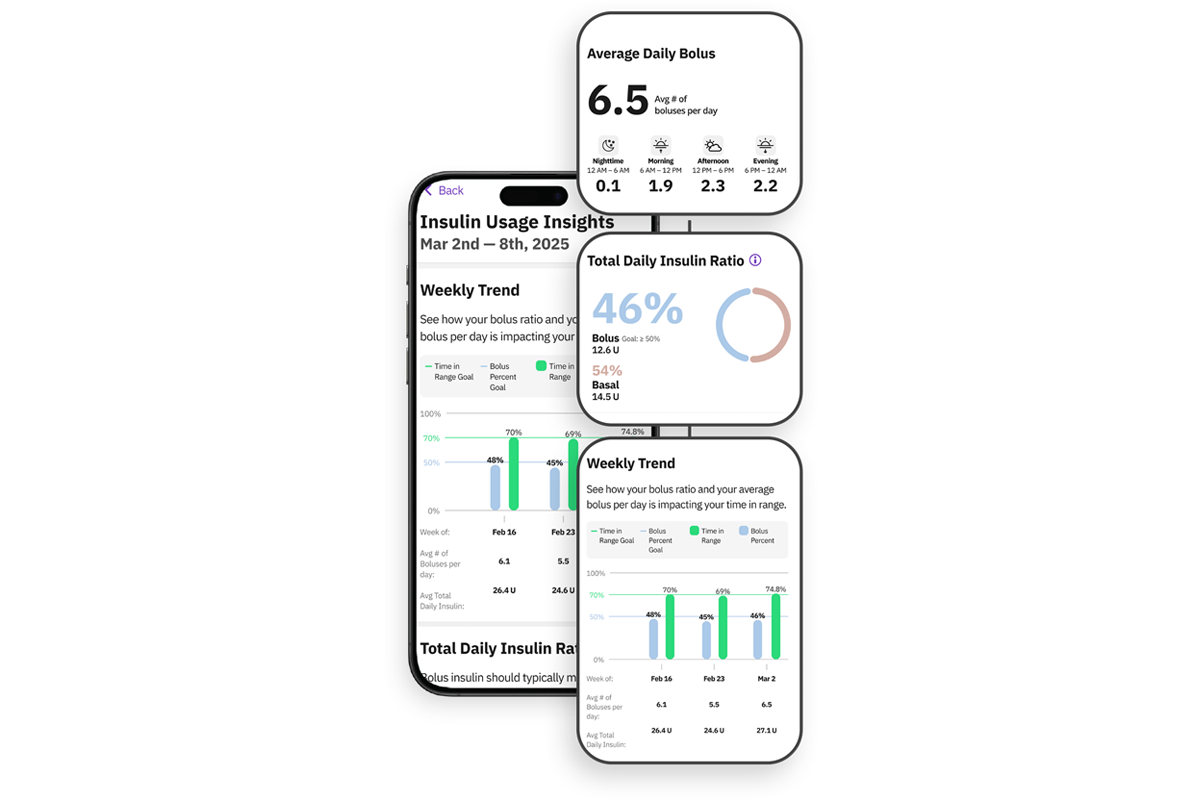
Insulin Usage
Explore insulin usage trends alongside your Time in Range to better understand how they may be connected.
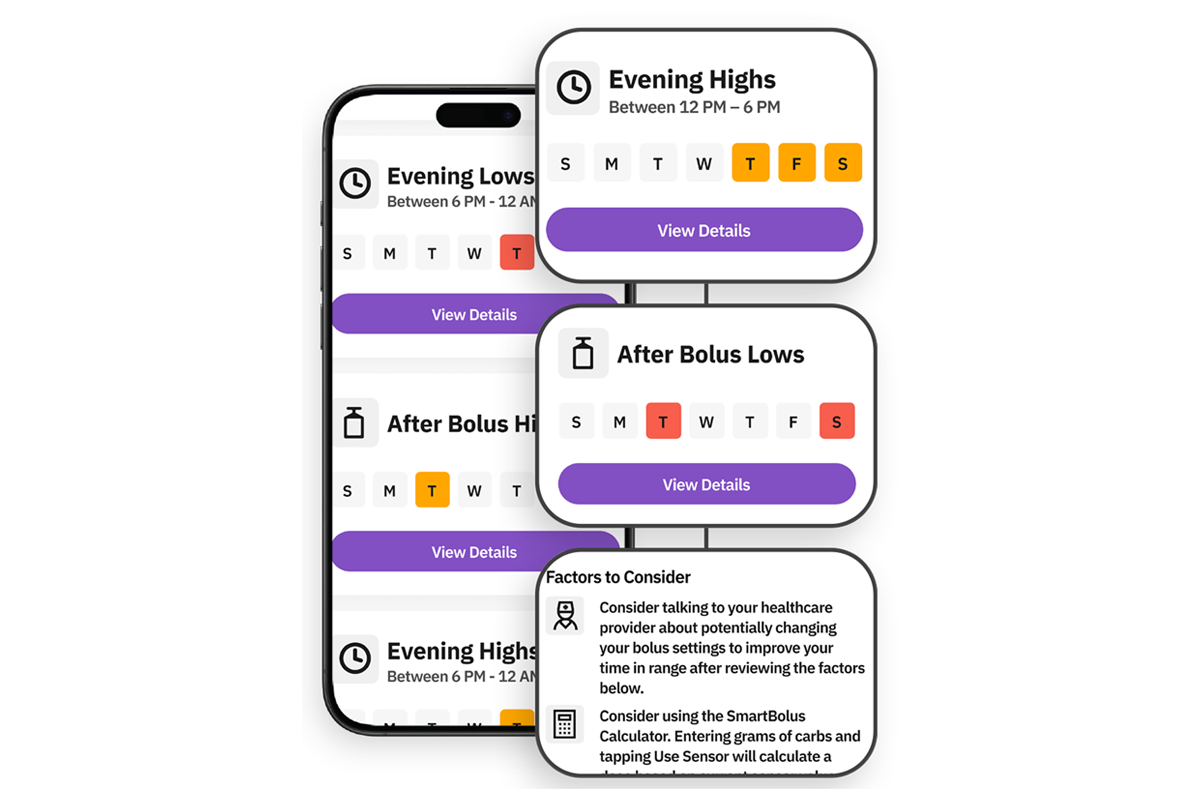
Patterns found
Understand what’s influencing your glucose levels with insights around highs, lows, and boluses.
Get started with Omnipod Discover
If your healthcare provider is not enrolled
- Sign in to PodderCentral®.
- Select Diabetes Data, then Omnipod Discover.
- Select Enroll in Omnipod Discover.
- Enter your phone number and reply “Yes” to the text message to start receiving weekly insights by SMS.
If your healthcare provider is enrolled
- Sign in to PodderCentral®.
- Select Diabetes Data, then Omnipod Discover.
- Connect with your provider by either:
- Entering your provider’s clinic code, or
- Accepting an email invitation from your provider
- To receive weekly insights, enter your phone number and reply “Yes” to the text message.
Frequently Asked Questions
How do I enroll in Omnipod Discover?
How do I view my weekly insights from Omnipod Discover?
Why did I receive a text message if I do not have any data?
How do I share my data with my healthcare provider?
Can I use Omnipod Discover without sharing my data with my healthcare provider or clinic?
Will Glooko® still be available?
1. Customer Survey of n=170 U.S. adults using Omnipod Discover, 76% strongly agreed or somewhat agreed. 2025 Data on file. RF-092025-00001
2. Customer Survey of n=170 U.S. adults using Omnipod Discover, 75% strongly agreed or somewhat agreed. 2025 Data on file. RF-092025-00001
Omnipod Discover is a retrospective data analytics and reporting system intended for Omnipod 5 and Omnipod DASH System users or their caregivers and their healthcare providers for the analysis of glucose and insulin delivery data in home and healthcare settings. It is intended as supplemental data for the users to support diabetes management and aid healthcare providers in patient care. Omnipod Discover is not intended for people with diabetes in acute care settings or for real-time patient monitoring. The Omnipod Discover software platform is not intended to replace the primary real-time display of the sensor or insulin delivery data on the device, nor does it control any functions of the Omnipod System. Any medical treatment decision or adjustments should not be made based on this software platform; a qualified healthcare professional needs to be consulted to make such decisions.
The Omnipod 5 Automated Insulin Delivery System is indicated for use by individuals with type 1 diabetes mellitus in persons 2 years of age and older and type 2 diabetes mellitus in persons 18 years of age and older. The Omnipod® 5 System is intended for single patient, home use and requires a prescription. The Omnipod® 5 System is compatible with the following U-100 insulins: NovoLog®, Humalog®, Kirsty®, and Admelog®.
Warning: The Omnipod 5 algorithm should NOT be used by anyone under the age of 2 years old. The Omnipod 5 algorithm should also NOT be used in people who require less than 5 units of insulin per day as the safety of the technology has not been evaluated in this population. Refer to the Omnipod® 5 Automated Insulin Delivery System User Guide and www.omnipod.com/safety for complete safety information including indications, contraindications, warnings, cautions, and instructions.
Warning: DO NOT start to use the Omnipod® 5 System or change settings without adequate training and guidance from a healthcare provider. Initiating and adjusting settings incorrectly can result in over-delivery or under-delivery of insulin, which could lead to hypoglycemia or hyperglycemia.