Your Omnipod® 5 resources, all in one place.
Whether you are new to insulin pumps, Omnipod, or have been a Podder® for years, Omnipod 5 is different. Please follow guidance from your HCP regarding any changes to current therapy in preparation to starting on Omnipod 5. You must be trained by your HCP and/or Insulet Clinical team before starting on Omnipod 5.
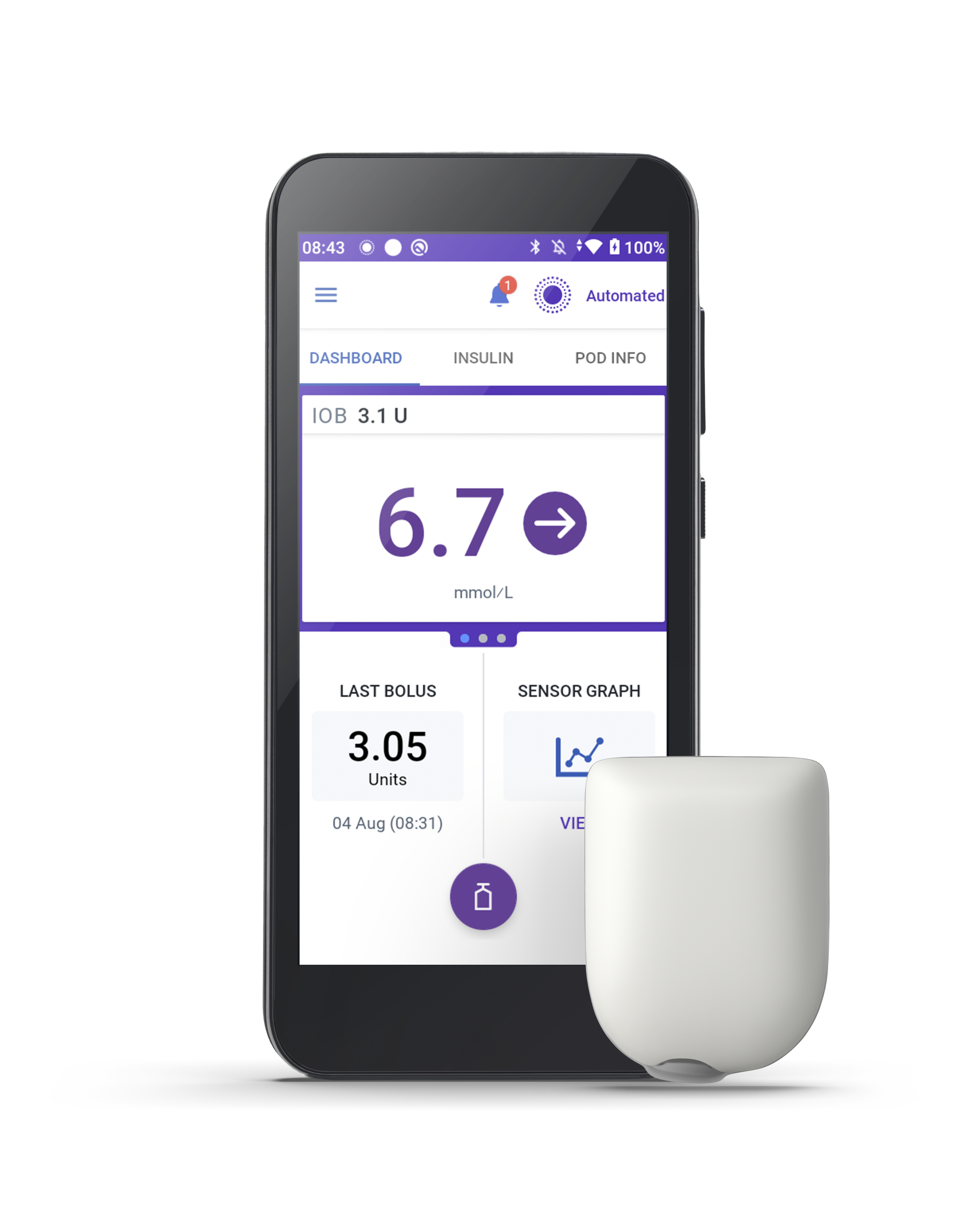
Getting ready to start Omnipod 5?
Visit the page below to help ensure a successful start.
Omnipod 5 Resources
How-To Videos and User Guides
From System basics to the finer details, we've got you covered with a range of Omnipod 5 System video tutorials and user guides.
Training Resources
Thank you for choosing the Omnipod 5 Automated Insulin Delivery System.
SmartAdjust™ Technology 101
This video has all you need to know about how Omnipod 5 adjusts insulin delivery and adapts to your unique needs.
Managing Glucose Levels on Omnipod® 5
Understand the keys to success when using Omnipod 5 in Automated Mode.
FAQs and Product Support
Frequently Asked Questions
Explore topics including SmartAdjust technology, Phone Control, Glucose Monitoring and more.
Check out our three-part series on the Juicebox Podcast for tips on getting the most out of your Omnipod® 5 experience!
Planning to change your Omnipod 5 sensor?
Visit the page below for everything you need to know.