Simplify Insulin Management: Invite Patients to an Omnipod® Live Demo webinar
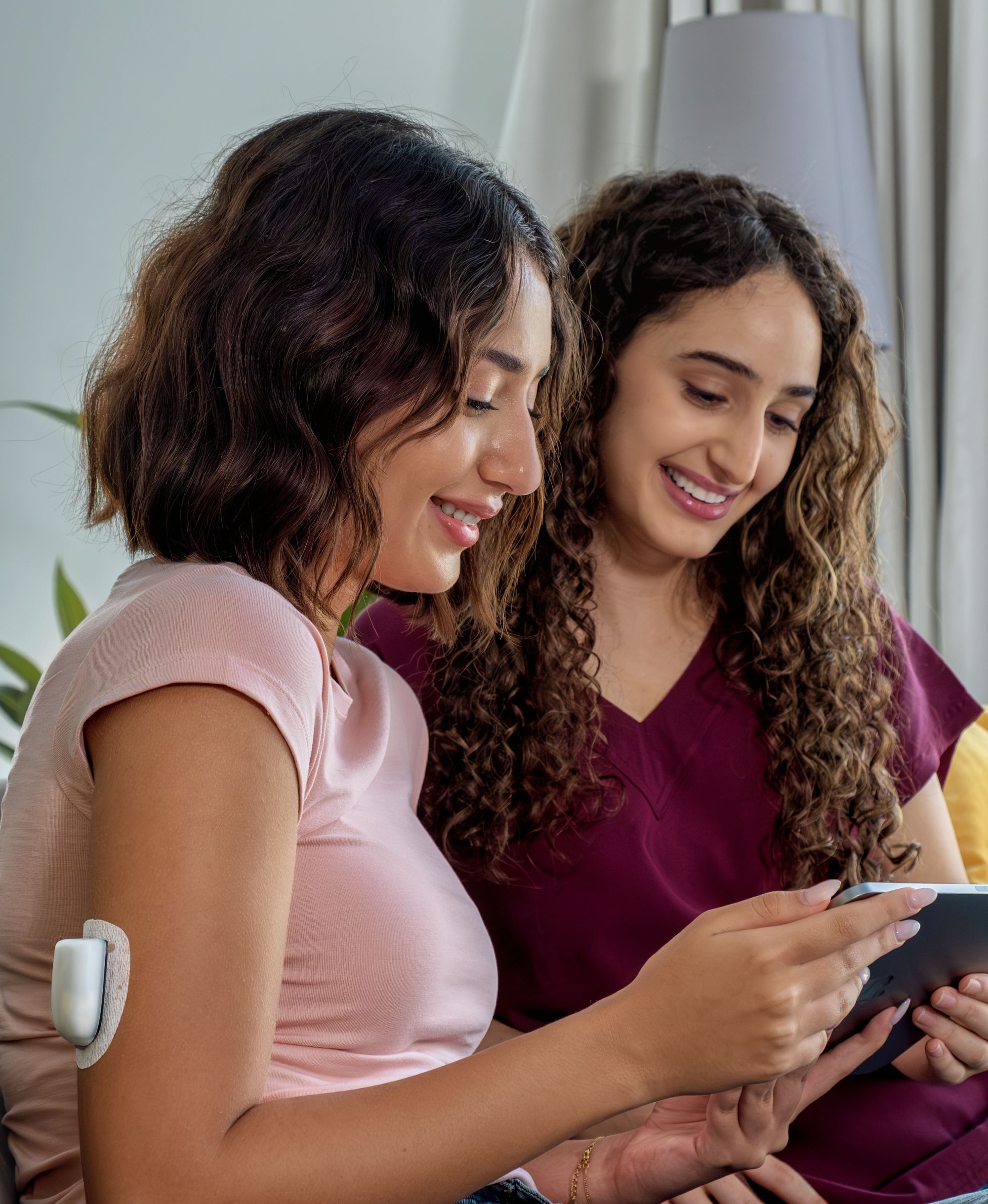
Every week, clinicians field the same questions from people considering pump therapy: “how will a tubeless insulin pump work in my daily life?”, “what training will I need?”, “how quickly can I get started?”. Explaining the answers in-clinic takes precious time and often leaves patients wanting a hands-on demonstration.

The Omnipod® Live Demo webinar is a free, one-hour user-training webinar that solves this challenge. Led by Insulet educators, the session walks through Pod placement and the Personal Diabetes Manager (PDM) or Controller—everything your patients need to understand before starting Omnipod. It is a powerful patient-onboarding tool to complement your clinic counselling as attendees ask questions in real time and get the answers they need.

You can streamline Pod Therapy initiation by referring your patients to the Omnipod Live Demo webinar and give them more confidence to move forward with a tubeless insulin pump.

Omnipod Live Demo Webinar: A Free Pod Therapy 101 Training Session for Your Patients Starting Omnipod

Our Live Demo webinars are designed to help your patients start with Omnipod in a way that is simple and stress-free.

During this one-hour live session they will learn:

  • Key features of the Pod, including where to place the Pod and how to operate the Pod.
  • How the Pod works to deliver insulin as part of the Omnipod DASH® Insulin Management System [and/or the Omnipod 5 Automated Insulin Delivery System.]
  • How Insulet supports from initiation to ongoing care.
  • Benefits of Omnipod compared with multiple daily injections (MDI) or traditional tubed insulin pumps.
  • [How insurance coverage works for Omnipod.]


Encouraging your patients to attend this webinar can empower them with the knowledge to start Omnipod with confidence.

Anyone can register for a Live Demo webinar.

Podder® Cheryl shares her experience onboarding with Omnipod

Cheryl transitioned from MDI to Omnipod in 2020:

"I feel so lucky with the Omnipod technology. Initially, I was anxious to start, but the rep from the Omnipod team provided tremendous support during my transition. I wasn’t alone in this. It has only made my life easier."

Stories like Cheryl’s highlight the value of the personal support Insulet provides; no one is left alone when starting on Omnipod.

As healthcare professionals, ensuring that your patients have access to the best possible care options is a priority. 

Recommending an Omnipod Live Demo webinar gives them the opportunity to explore Omnipod and transition to their new tubeless pump with ease. With ongoing support and simple technology, Omnipod empowers people to take control of their diabetes management.

Learn more about the other ways our Omnipod team supports your patients.

Clinician FAQs

How do I refer my patients to an Omnipod Live Demo webinar?

What will my patients learn during the Live Demo webinar?

Who is a good candidate to attend?

Does the Live Demo webinar commit my patient to starting Omnipod?

What follow-up support is available?

The Omnipod 5 System is indicated for use with NovoLog®/NovoRapid®, Humalog® / Liprolog®, Admelog® / Insulin lispro Sanofi®, Trurapi® / Insulin aspart Sanofi®, and Kirsty® U-100 insulin. The Omnipod DASH® Insulin Management System is intended for subcutaneous delivery of insulin at set and variable rates for the management of diabetes mellitus in persons requiring insulin. Additionally, the Omnipod DASH System permits manual entry of readings from blood glucose meters, enabling storage and display of blood glucose measurements. The Omnipod System and Omnipod DASH System have been tested and found to be suitable for use with the following U-100 insulin: NovoLog®/NovoRapid®, Humalog®, Fiasp®, Lyumjev®, Admelog® / Insulin lispro Sanofi® and Trurapi® / Truvelog® / Insulin aspart Sanofi®, Kirsty®, and Apidra®.

Refer to the Omnipod 5 and Omnipod DASH Insulin Management System User Guides for complete safety information including indications, contraindications, warnings, cautions, and instructions. These User Guides are periodically updated.

Visit Omnipod.com to see the most recent version and to find other helpful information. To access these User Guides in other languages, please visit Omnipod.com.