Omnipod® 5 and Omnipod DASH® Australia Price
The price in Australia for Omnipod® 5 and Omnipod DASH® is partially subsidised through the NDSS for eligible people with type 1 diabetes, helping to reduce the ongoing cost of Omnipod 5 and Omnipod DASH® Pods. This guide explains eligibility, pricing, access pathways, and the role of the NDSS Insulin Pump Consumables Form.
Omnipod 5 & Omnipod DASH Pricing in Australia
You can start Omnipod® through two access pathways:
Pathway A — Without Private Health Insurance (No lock in)
You can start with a no lock in subscription directly with Omnipod Australia. Once subscribed, you become an Omnipod registered user and are eligible for NDSS subsidised Pods.
Subscription payment to Omnipod Australia (per box):
- $185 Omnipod 5
- $168.27 Omnipod DASH®
NDSS co-payment^ paid at the pharmacy (per box):
- $35.30 general
- $26.60 concession
Pathway B — With Private Health Insurance
If your private health insurance policy covers Omnipod® 5 or Omnipod DASH® (Omnipod is included in the Insulin Pump category), your insurer typically funds your system access for the duration of your health fund benefit.
Once approved and registered as an Omnipod user, you can purchase Pods through an NDSS pharmacy.
Please note that NDSS usage limits apply, covering up to 13 boxes per year.
NDSS co-payment^ paid at the pharmacy (per box):
- $35.30 general
- $26.60 concession
Request a call from our Omnipod Specialists
We’ll walk you through subscription options, NDSS requirements, and next steps.
Who Is Eligible for the NDSS Subsidy?
You may be eligible for NDSS-subsidised Omnipod Pods if:
- You live with type 1 diabetes and are registered with the NDSS.
- Your diabetes healthcare professional completes the NDSS Insulin Pump Consumable Access Form, nominating Omnipod® as your insulin pump.
- You are registered as an Omnipod 5 or Omnipod DASH® user under your NDSS profile.
How to access Omnipod

Meet Eligibility
You must have type 1 diabetes, be NDSS registered, and have clinical need confirmed by your healthcare professional

Receive training and complete paperwork
You will need to receive training from your diabetes healthcare team (diabetes educator and endocrinologist) who will complete the required paperwork.

Choose your access pathway
Select Pathway A (no private insurance) or Pathway B (with private insurance).

Order Pods from NDSS Access Points
Once approved/registered as an Omnipod user, pick up subsidised Pods from a community pharmacy for the applicable NDSS co-payment.
Considering Omnipod and want to try it first?
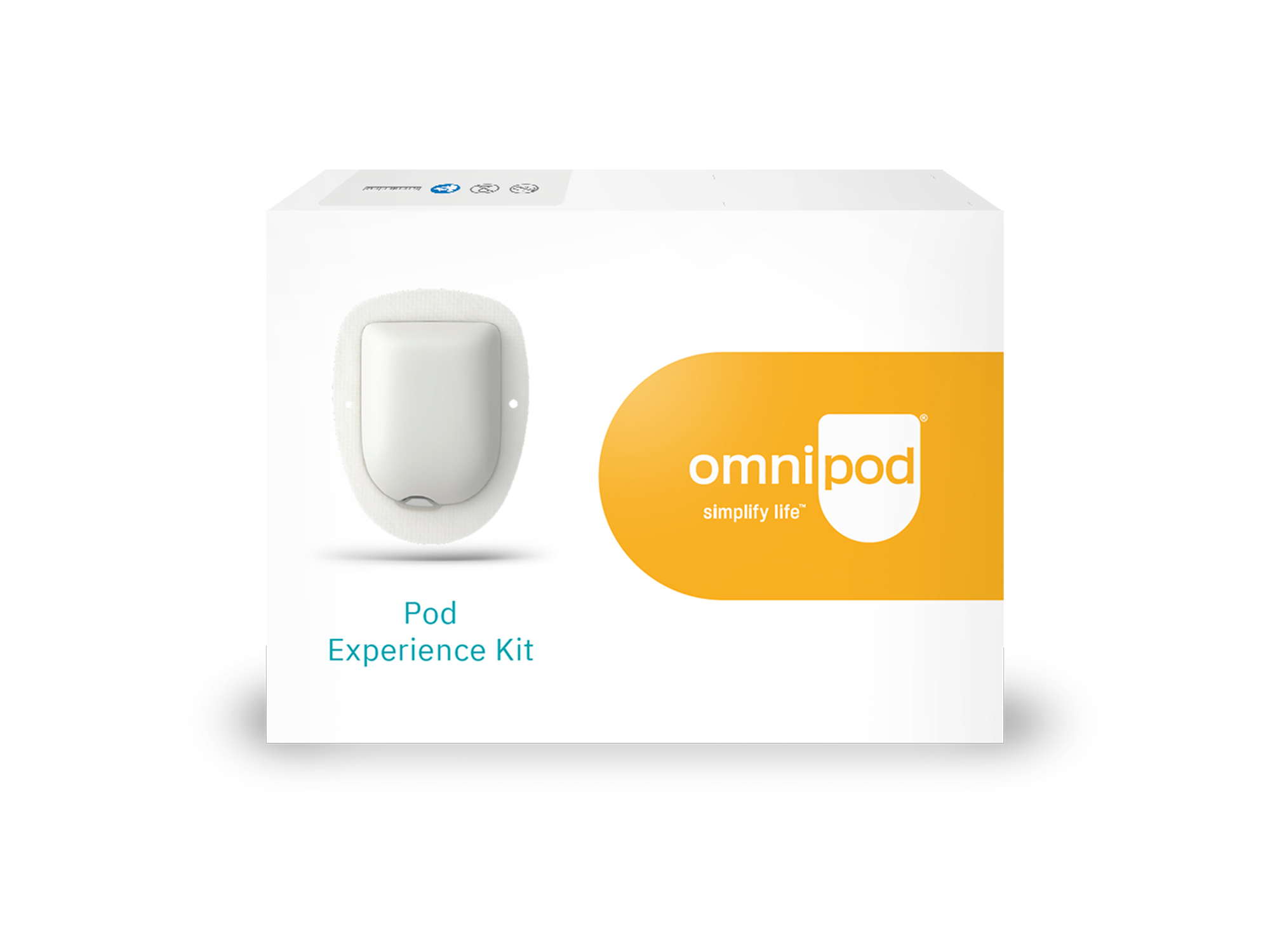
If you’d like to experience how Omnipod feels on your body, you can request a free demo Pod.
A demo Pod* lets you:
- Test comfort and adhesion
- See how it fits into your routine
- Understand the size and wearability
- Make an informed decision before subscribing
Already using another pump or MDI?
Switching is simple: ask your healthcare professional to submit the NDSS form nominating Omnipod®, complete your required training, and then collect subsidised Pods once your NDSS registration is updated.
You can also speak to our Omnipod Specialists about our flexible payment options.
Get Personalised Guidance

Talk to an Omnipod® Specialist
Still have more questions about the Omnipod® System? Enter your information below and one of our Omnipod® Specialists will call you in 24-48 hours for a one-to-one chat. Or you can call us direct at is 1800 954 075 (option 1 inside sales) if calling from abroad.
If you have Type 2 Diabetes please speak with your healthcare professional before you request a call as you might not be considered suitable to use Omnipod®
Frequently Asked Questions
Looking to understand more about next steps? Read the below questions and answers we have put together from the community's most frequently asked questions.
Why do I need to make a subscription payment to Omnipod before accessing Omnipod 5 or Omnipod DASH® Pods on the NDSS?
How long do I have to pay the no lock-in subscription fee to Omnipod?
Will I need to complete an Insulin Pump Consumable (IPC) Access Form with my educator?
If I don’t have private health insurance can I access the subsidy?
What is the NDSS Item Code for the Omnipod 5 and Omnipod DASH® Pods?
How do I order Omnipod 5 or Omnipod DASH® Pods from my pharmacy?
After ordering my Pods, when can I collect them from my NDSS access point / pharmacy?
When ordering, what do I need to tell my pharmacist?
Does Omnipod offer any sort of loan pump/program at this stage to trial before committing to the system?
I am already using a different brand of insulin pump, can I access the NDSS subsidy for Omnipod 5 or Omnipod DASH® Pods intermittently while using another insulin pump?
I’ve already filled out an insulin pump consumables access form for my other pump do I need to do this again for Omnipod?
How many boxes of Omnipod 5 or Omnipod DASH® Pods can I order in a year?
Why do I need to let Omnipod know what CGM I am using?
Why do I need to let Omnipod know if I change my CGM after I have started on Omnipod 5?
Who do I contact it I have an issue with my CGM connecting to Omnipod 5?
Who do I contact it I have a product issue with Omnipod 5 or Omnipod Dash?
How long am I covered for through my Private Health Insurance and how many boxes of Pods can I access?
What is the Omnipod 5 price in Australia?
How do I complete the NDSS Insulin Pump Consumables Form?
Where can I find the NDSS pump consumables price list?
Dexcom is in the process of discontinuing Dexcom G6 to focus on delivering the next generation of sensor. Omnipod 5 will continue to support integration with Dexcom G6 for as long as this sensor remains available. For more information, please visit www.dexcom.com or contact Dexcom support.