Supporting your patients starting on Omnipod® 5

Getting a successful start on Omnipod® 5
The information below highlights key steps your patients can take to ensure a successful start on Omnipod 5.
Pre-training
If your patient is using a Dexcom* Sensor†
- Before training on the Omnipod 5 system, your patient will need to come to their training wearing an active sensor they will need to be using the Dexcom sensor with compatible Dexcom app on a compatible smartphoneΩ.
- Your patient will not be able to use the Dexcom receiver. Please ask them to download the compatible Dexcom app for iOS or Android.
If your patient is using FreeStyle Libre 2 Plus Sensor†
- Provide your patient with a prescription for FreeStyle Libre 2 Plus sensor. It should be brought, unopened, to their Omnipod 5 training.
- Ensure your patient is trained on how to use the FreeStyle Libre 2 or FreeStyle Libre 2 Plus sensor.
†Compatible sensors are sold and prescribed separately. Sensor availability may vary by country or region.
ΩSmart device sold separately. For a list of compatible smart devices, visit dexcom.com/compatibility
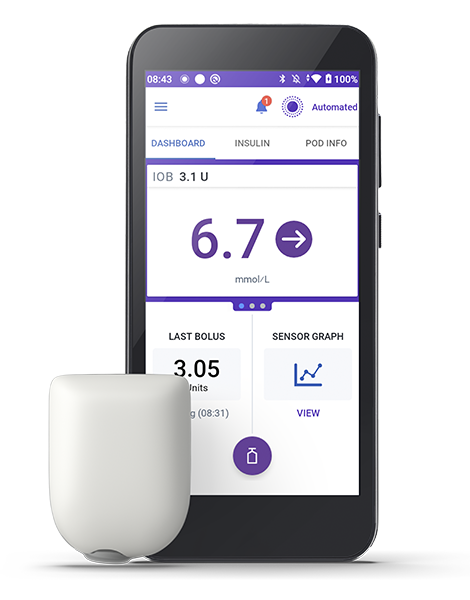
More Tips:
- Encourage your patient to watch the ‘How to Videos’ at www.omnipod.com/omnipod5resources to prepare them for their product training
- Your patients can start immediately in Automated Mode** but it may take a few weeks for full optimisation to be achieved. Omnipod 5 continues to adapt to your patient’s needs as it builds history on insulin requirements
- Prior to initiation, please ensure your patients are familiar with the following requirements:
- Trained on how to deliver boluses for carbohydrate intake at meals and snacks to minimise postprandial hyperglycaemia
- How to perform Pod and sensor changes
- How to respond to alerts and alarms
Onboarding
- You have the option to send your patient the Get Started guide, or direct them to www.omnipod.com/setup to complete their Omnipod 5 Onboarding before attending product training.
- It is important that the Omnipod 5 onboarding is completed prior to attending Omnipod 5 product training. It can be completed via a laptop, tablet or smartphone.
- They must sign in with or create an Omnipod ID and complete the consent screens and health data questions, where we provide your patient with information on the processing of their personal data.

Omnipod Discover™
Omnipod DiscoverTM is a simplified diabetes data management system that lets you and your Omnipod 5 patients see how their pump setting and bolus behavior is impacting their glucose levels, empowering you to develop diabetes management strategies together.
Omnipod DiscoverTM will enable patients to:
- Following consent, share their diabetes data with you via ‘clinic code’
- Receive weekly overview reports by e-mail
- View their insights in a user friendly integrated platform
Product training
If your patient has any changes being implemented to their current therapy, please ensure they are well versed in these changes before starting on Omnipod 5.

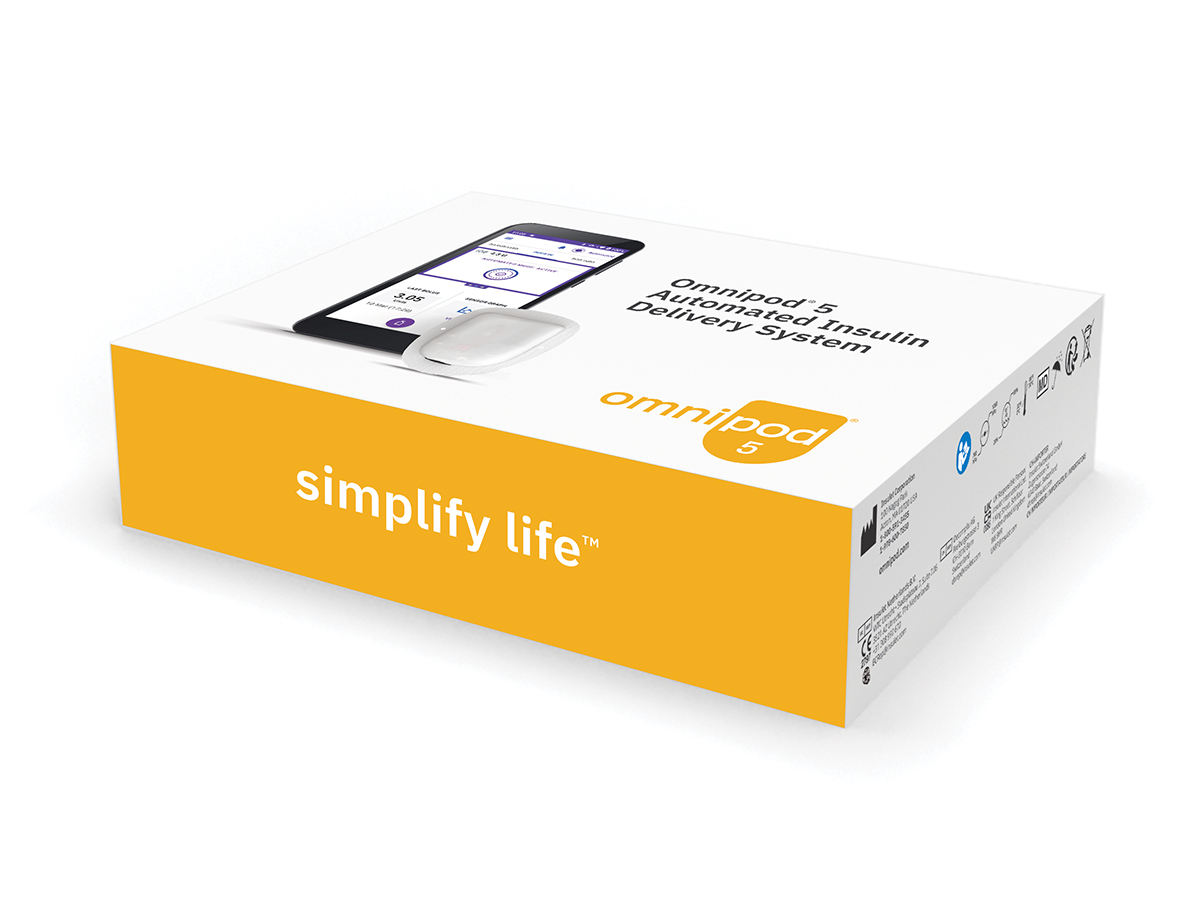
Omnipod 5 Starter Kit
Ensure you have the Omnipod 5 Starter Kit and box of compatible Omnipod 5 Pods (depending on the sensor integration) available for product training. Your patient needs to attend training with a vial of rapid acting insulin. Please ensure this has been prescribed‡. Please note there are 2 Omnipod 5 boxes available:
- Dexcom G6 & Dexcom G7 Pod
- Dexcom G6 & FreeStyle Libre 2 Plus Pod
Please ensure that you have the right box of Omnipod 5 Pods available for your patients.
Sensors
Dexcom Sensor
- Patients should come to training wearing an active Dexcom Sensor using the compatible Dexcom app on a compatible smartphoneΩ and ensure the Dexcom receiver is switched off.
FreeStyle Libre 2 Plus Sensor
- Patients currently using a FreeStyle Libre 2 or FreeStyle Libre 2 Plus sensor may continue to wear this sensor when attending their Omnipod 5 training.
- At their Omnipod 5 training, your patient will need to activate a new FreeStyle Libre 2 Plus sensor. Please ensure you have provided your patient a prescription for the FreeStyle Libre 2 Plus sensor. Your patient will need to bring a new, unopened sensor with them to their Omnipod 5 training.
‡ NovoLog®/NovoRapid®, Humalog®/Liprolog®, Trurapi®/Truvelog®/Insulin aspart Sanofi®, Kirsty®, and Admelog®/Insulin lispro Sanofi® U-100 insulin are compatible with the Omnipod 5 System for use up to 72 hours (3 days).
€Smart device sold separately. For a list of compatible smart devices, visit dexcom.com/compatibility
Post training support
To get the best out of Omnipod 5, you can access several informative resources at www.omnipod.com/omnipod5resources including:

Frequently Asked Questions & Troubleshooting
How to Videos
Omnipod 5 Resources
The Omnipod® 5 Automated Insulin Delivery System is a single hormone insulin delivery system intended to deliver U-100 insulin subcutaneously for the management of type 1 diabetes in persons aged 2 and older requiring insulin. The Omnipod 5 System is intended for single patient use. The Omnipod 5 System is indicated for use with NovoLog®/NovoRapid®, Humalog®/Liprolog®, Trurapi®/Truvelog®/Insulin aspart Sanofi®, Kirsty®, and Admelog/Insulin lispro Sanofi U-100 insulin.
Omnipod Discover is a retrospective data analytics and reporting system intended for Omnipod 5 and Omnipod DASH System users or their caregivers and their healthcare providers for the analysis of glucose and insulin delivery data in home and healthcare settings. It is intended as supplemental data for the users to support diabetes management and aid healthcare providers in patient care. Omnipod Discover is not intended for people with diabetes in acute care settings or for real-time patient monitoring. The Omnipod Discover software platform is not intended to replace the primary real-time display of the sensor or insulin delivery data on the device, nor does it control any functions of the Omnipod System. Any medical treatment decision or adjustments should not be made based on this software platform; a qualified healthcare professional needs to be consulted to make such decisions.
Refer to the Omnipod® 5 Automated Insulin Delivery System User Guide and www.omnipod.com/safety for complete safety information including indications, contraindications, warnings, cautions, and instructions.